
This manual provides instructions for the Hikvision 8-mic Wireless Conference Speakerphone, covering setup, Bluetooth/USB connections, charging, and operation.
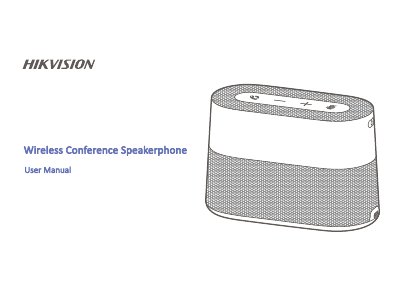
The Hikvision 8-mic Wireless Conference Speakerphone is a portable device designed for conference calls. It features volume control, mute functionality, and smart noise reduction that can be toggled via dedicated buttons with corresponding LED indicators (white for active, red for off). The device supports automatic shutdown after 10 minutes of inactivity to conserve power.
The speakerphone connects via Bluetooth, USB dongle, or a direct USB cable. It charges using the supplied Type-C cable connected to a laptop's USB 3.0 interface or an external charger (recommended: 5V/2A). The device automatically turns off Bluetooth pairing if not connected within 3 minutes.
The default Bluetooth name is 8-mic Speakerphone.
When picking up sounds, hold the pickup button for 5 seconds until the white light flashes twice.
It is recommended to use a mobile phone charger with a Type-C interface providing power above 5 V/2 A.