
Owner's manual for the Harbor Freight 64013 digital multimeter, featuring safety instructions, technical specifications, and operating procedures.
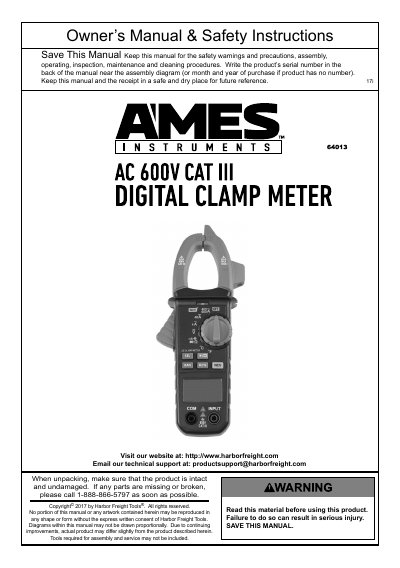
The Harbor Freight 64013 is a digital multimeter designed for measuring electrical values including AC/DC voltage, AC current, resistance, capacitance, frequency, and temperature. It features a clamp for current measurement and a non-contact voltage (NCV) indicator.
The manual provides comprehensive safety warnings to prevent electric shock, detailed setup instructions, and guidance on using the device's various measurement modes and functions like data hold and backlight.
| DC Voltage Ranges | 400mV / 4V / 40V / 400V / 600V |
|---|---|
| AC Current Ranges | 4A / 40A / 400A / 600A |
| Resistance Ranges | 400Ω to 40MΩ |
| Temperature Range | -4°F to 1832°F (-20°C to 1000°C) |
| Max Jaw Opening | 28mm |
| Battery | 3x AAA batteries |
Turn the Rotary Switch to any position, hold the NcV button, and move the clamp tip close to the unshielded conductor; the meter will beep and flash if voltage >110V AC is detected.
Press the data hold button to keep the current reading on the display, and press it again to release the hold.
The meter should not be used to test voltage on circuits higher than 600 volts.