
This is the manual of a safe
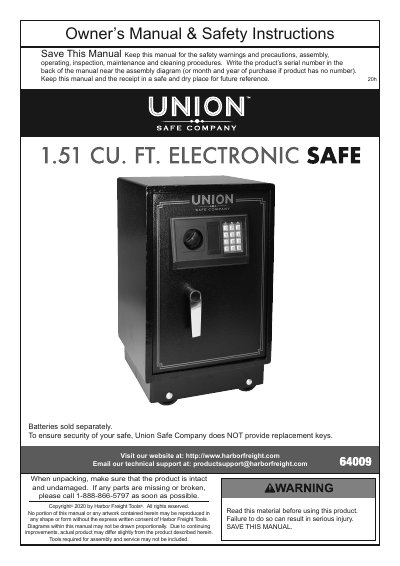
This manual provides step-by-step instructions for installing, operating, and maintaining the Harbor Freight 64009 safe. It includes safety precautions, battery installation, code setup, and mounting options. Maintenance tips cover cleaning and lubrication. The safe is not fireproof and does not include replacement keys. Safety warnings emphasize child safety, proper installation, and battery handling.
The manual also includes a 90-day limited warranty and contact information for technical support. It advises users to keep the manual and receipt for future reference and to record the serial number or purchase date if no serial number is present.
| External Dimensions | 14" L x 13" W x 22-3/4" H |
|---|---|
| Batteries | 4 AA (sold separately) |
Press 00 on the keypad, then press and hold the Entry Code Button until the safe beeps and the Yellow Light illuminates. Within 15 seconds, enter an 8-digit code followed by A or B. The code is accepted when the Yellow light turns off and the safe beeps once.
Open the safe with the key. If the key is not available, contact Harbor Freight Tools for assistance.
Yes, but only if mounting to the floor is not required. Follow the wheel installation steps provided in the manual.