
This manual provides operating instructions for the PST-PT102B GSM/GPRS/GPS tracker, covering installation, initialization, SMS commands, and feature…
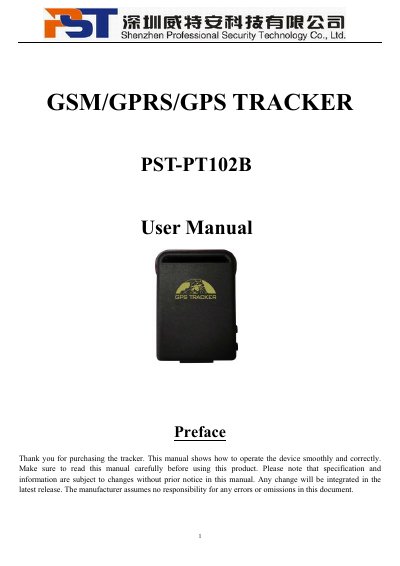
The PST-PT102B is a remote tracking device that operates based on GSM/GPRS networks and GPS satellites. It is designed for applications such as vehicle fleet management, child protection, and personnel monitoring. The device features a built-in Li-ion battery, a SIM card slot, and a shock sensor for alarm functions.
| Dimensions | 64mm x 46mm x 17mm |
|---|---|
| Weight | 50g |
| Network Bands | 850/900/1800/1900Mhz |
| GPS Chip | SIRF3 chip |
| GPS Accuracy | 5m |
| Battery Type | 3.7V 800mAh Li-ion battery |
| Standby Time | 80hours |
| Operation Temp. | -20°C to +55°C |
The default password is 123456.
Send the SMS command 'begin+password' to the unit to initialize all settings.
Send an SMS with the format 'password+old password+space +new password' to the unit.
There are only 5 cell phone numbers able to be authorized.