
GSM/GPRS/GPS Tracker User Manual is a manual that shows how to operate the device smoothly and correctly. It includes contents such as Summary, Applications, Hardware Description, Accessories, Specifications, Terminal Installation, Initialization, Change Password, Authorization, Single Locating, Auto track continuously, Turning points update automatically, GPS drift suppression, Exact street address, Location based service (LBS) / Cell-ID Locating, Monitor, Data logging, Data Load, Forward the third parties’ message, SIM card Balance Inquiry, ACC working alarm, Cut off the oil and power system, Calibration of fuel sensor, Function of Remote Controller (Option, for model G ONLY ) and Arm, Silent Mode, DISARM.
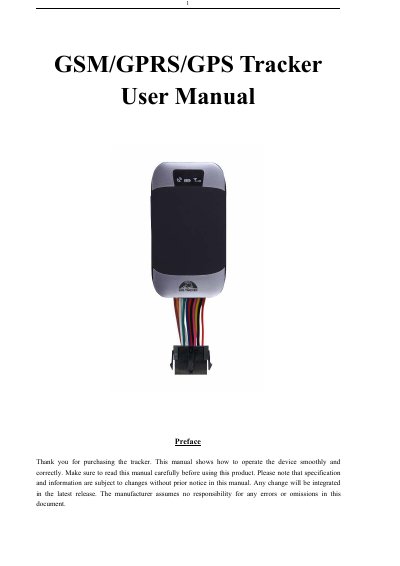
This user manual provides step-by-step instructions for operating a GSM/GPRS/GPS tracker. It covers hardware setup, SIM card installation, initialization, password management, authorization, and various tracking modes including single location, auto tracking, and LBS-based location. The device supports multiple alarm functions such as low battery, GPS blind spot, and movement alerts. It also includes configuration options for sleep modes, fuel sensors, and remote control (for model G).
| Dimensions | 9.6×5.3×1.6cm |
|---|---|
| Weight | 70g |
| Network | GSM/GPRS |
| GPS Sensitivity | -159dBm |
| GPS Accuracy | 5m |
| GPS Start Time (Cold) | 45s |
| Car Power Supply | 12 V -24V |
| Backup Battery | 3.7V 350mAh Li-ion battery |
| Storage Temperature | -40°C to +85°C |
| Operating Temperature | -20°C to +65°C |
| Humidity | 5%--95% non-condensing |
Send SMS "begin+password" to the unit; it will reply "begin ok" and reset all settings to default factory settings. Default password is 123456.
Send SMS "password+old password+space+new password" to the unit. If successful, it will reply "password ok".
Up to 5 numbers can be authorized.
Set up the APN of your local GSM network for the SIM card first, then send "address+password" to the device to receive the street address in SMS.