
Key facts
- Manuals
- 1
- Languages
- EN
- Last added
- 2023-10-18
Featured GSM/GPRS/GPS Tracker manuals
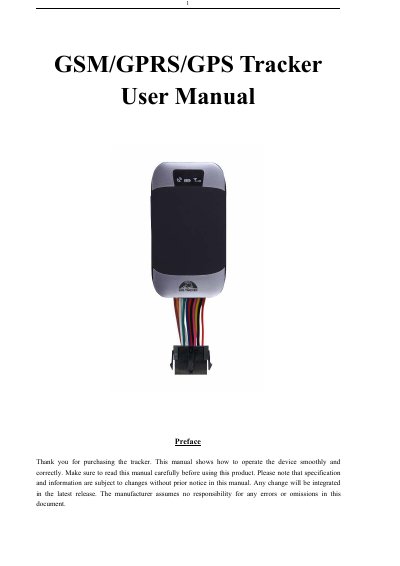
GSM/GPRS/GPS Tracker User Manual
This user manual provides step-by-step instructions for operating a GSM/GPRS/GPS tracker. It covers hardware setup, SIM card installation, initialization, password management, authorization, and various tracking modes including single location, auto tracking, and LBS-based location. The device supports multiple alarm functions such as low battery, GPS blind spot, and movement alerts. It also includes configuration options for sleep modes, fuel sensors, and remote control (for model G).
Covers: Summary · Applications · Hardware Description · Accessories · Specifications · Terminal Installation
Latest GSM/GPRS/GPS Tracker manuals
GSM/GPRS/GPS Tracker User Manual
User Manual 28 pages · 960 KB · ENUser manual for a GSM/GPRS/GPS tracker with features like remote monitoring, alarms, and location tracking via SMS or internet.
Which document do I need?
User Manual
Day-to-day operation, settings and troubleshooting. Start here if the product is already set up.
Questions answered in GSM/GPRS/GPS Tracker manuals
How do I initialize the tracker?
Send SMS "begin+password" to the unit; it will reply "begin ok" and reset all settings to default factory settings. Default password is 123456.
How do I change the password?
Send SMS "password+old password+space+new password" to the unit. If successful, it will reply "password ok".