
This manual provides configuration instructions for the Grandstream GXV3380 Android video phone via LCD menu and Web UI.
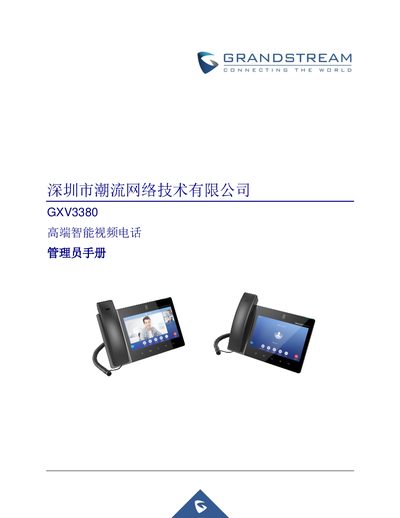
The Grandstream GXV3380 is an Android-based high-end intelligent video phone that combines 16 IP video calls with multi-platform video conferencing solutions. It features an 8-inch capacitive touchscreen, a megapixel camera, dual Gigabit Ethernet ports supporting PoE/PoE+, and integrated Wi-Fi and Bluetooth.
This Administrator Manual covers the configuration of the GXV3380 using both the phone's LCD menu and the Web User Interface (Web UI). The document is intended for VoIP administrators and includes topics such as product introduction, initial setup, network configuration, system maintenance, firmware upgrades, and factory resets. This manual is written in Chinese.
| Display | 8-inch HD capacitive touchscreen, 1280x800 resolution |
|---|---|
| Camera | Megapixel CMOS camera, 1080P@30fps |
| Network Interfaces | Two 10/100/1000Mbps switchable adaptive Ethernet interfaces, PoE/PoE+ |
| Wi-Fi | Dual-band 2.4 & 5GHz (802.11 a/b/g/n) |
| Bluetooth | Built-in Bluetooth 4.2+EDR |
| Operating System | Android 7.1.1 |
The document states that the expected readers are VoIP administrators.
Restart the phone, wait for the LED to turn green and stay on for about 2 seconds, then press the Volume + and Menu keys simultaneously.