
This manual provides instructions for setting up, connecting, and configuring the GL.iNet GL-XE300 4G smart router, including network settings, wireless…
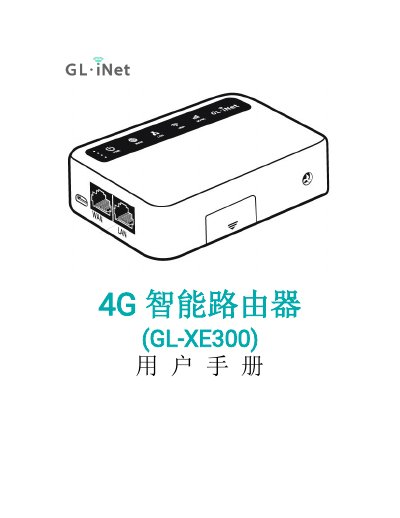
This user manual covers the initial setup of the GL.iNet GL-XE300 4G smart router, including powering on the device, connecting via LAN or Wi-Fi, and accessing the web management interface. It details the process of setting the administrator password and selecting the language for the interface.
The guide further explains various networking options, such as connecting via Ethernet cable, acting as a repeater, using a 3G/4G modem, or sharing a mobile phone network. It also includes sections on wireless settings, client management, firmware upgrades, firewall configuration, and advanced features like custom DNS services and network modes. This manual is written in Chinese.