
The GL.iNet SFT1200 User Manual provides step‑by‑step setup, network configuration, Wi‑Fi, firewall and advanced settings for the router.
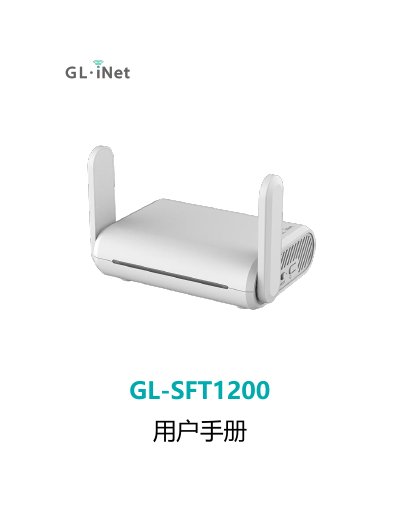
This manual guides you through the initial setup of the GL.iNet SFT1200 router, including powering the device with a Type‑C 5 V/3 A adapter, connecting via LAN or Wi‑Fi, and accessing the web management interface at http://192.168.8.1. It also explains language selection, administrator password creation, and basic interface navigation.
Further sections cover network options (DHCP, static IP, PPPoE, 3G/4G modem, repeater mode), wireless configuration, client management, firmware upgrades, firewall rules, installed applications, and advanced features such as custom DNS, IPv6, and system logs. This manual is written in Chinese.
| Power Input | 5 V / 3 A via Type‑C |
|---|---|
| Default Wi‑Fi SSID format | GL‑SFT1200‑XXX (and GL‑SFT1200‑XXX‑5G) |
| Default Wi‑Fi password | goodlife |
| Default web interface address | http://192.168.8.1 |
| Supported interface languages | English, Simplified Chinese, Traditional Chinese, German, French, Spanish, Italian, Japanese |
Open a web browser and navigate to http://192.168.8.1 (or http://192.168.8.1/index.html if redirected).
The default Wi‑Fi password is "goodlife".
Use a standard 5 V / 3 A Type‑C power adapter.