
The GL.iNet X750 router user manual provides setup steps, network configuration, web interface access, and advanced features.
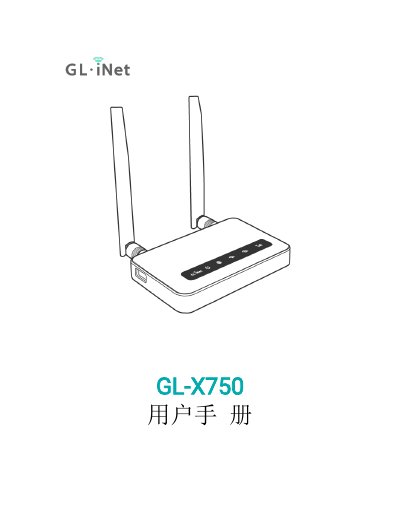
This manual guides you through powering on the GL.iNet X750, connecting via LAN or Wi‑Fi, and accessing the web management interface. It covers language selection, admin password setup, and initial configuration.
Further sections describe network options (DHCP, static, PPPoE, 3G/4G modem), firewall settings, application installation, firmware upgrades, and advanced functions such as DNS customization and system logs. This manual is written in Chinese.
| Power adapter | 5V / 1A |
|---|---|
| Default Wi‑Fi password | goodlife |
| Web interface address | http://192.168.8.1 |
| Default admin username | root |
Insert the Micro USB power cable into the router’s power port and use a standard 5V / 1A power adapter.
Open a browser and go to http://192.168.8.1 (or http://192.168.8.1/index.html if redirected).
The default Wi‑Fi password is “goodlife”.
In the web management interface, go to the admin password setting, enter a password of at least 8 characters, and submit.