
Key facts
- Manuals
- 1
- Languages
- ZH
- Last added
- 2026-10-06
Featured GL-INET manuals
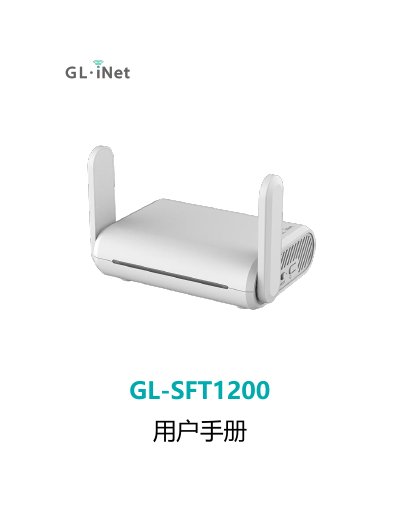
GL.iNet SFT1200 User Manual
This manual guides you through the initial setup of the GL.iNet SFT1200 router, including powering the device with a Type‑C 5 V/3 A adapter, connecting via LAN or Wi‑Fi, and accessing the web management interface at http://192.168.8.1. It also explains language selection, administrator password creation, and basic interface navigation.
Further sections cover network options (DHCP, static IP, PPPoE, 3G/4G modem, repeater mode), wireless configuration, client management, firmware upgrades, firewall rules, installed applications, and advanced features such as custom DNS, IPv6, and system logs. This manual is written in Chinese.
Covers: Initial Setup · Network · Wireless · Client Management · Upgrade · Firewall
Latest GL-INET manuals
GL.iNet SFT1200 User Manual
User Manual 37 pages · 2.2 MB · ZHThe GL.iNet SFT1200 User Manual provides step‑by‑step setup, network configuration, Wi‑Fi, firewall and advanced settings for the router.
Which document do I need?
User Manual
Day-to-day operation, settings and troubleshooting. Start here if the product is already set up.
Questions answered in GL-INET manuals
How do I access the router’s web management interface?
Open a web browser and navigate to http://192.168.8.1 (or http://192.168.8.1/index.html if redirected).
What is the default Wi‑Fi password for the SFT1200?
The default Wi‑Fi password is "goodlife".