
This manual provides instructions for the Gigaset C58H digital cordless phone, covering setup, registration, basic operations, and menu settings.
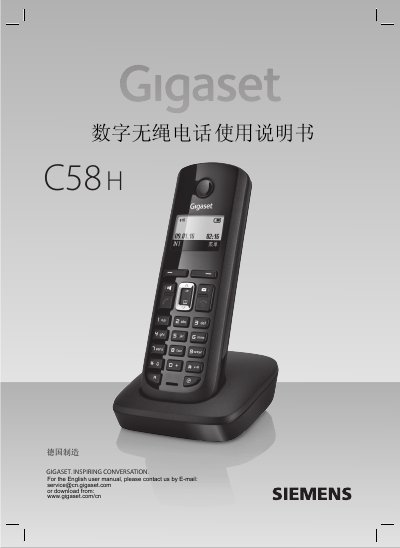
This user manual for the Gigaset C58H digital cordless phone details the preparation, installation, and operation of the device. It includes instructions for connecting the base station, installing batteries in the handset, and registering up to four handsets to the base. Safety precautions regarding battery usage and environmental conditions are also highlighted. This manual is written in Chinese.
| Maximum Handsets | 4 |
|---|---|
| Battery Type | AAA rechargeable batteries |
| Product Models | Gigaset C580, C585, C58H |
A maximum of four handsets can be registered to one base station.
The default system PIN is 0000.
Press and hold the hook key (挂机键) in standby mode to turn off the handset.