
This manual provides operating instructions for the Gigaset A68H digital cordless phone, covering installation, handset registration, calling features, and…
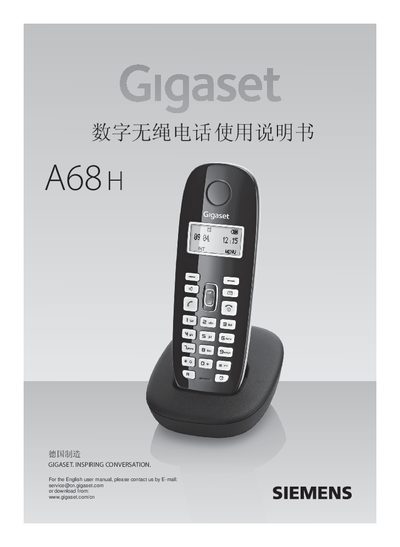
The document serves as a user guide for the Gigaset A68H digital cordless telephone system. It details safety precautions, preparation steps including power connection and battery installation, and instructions for registering up to four handsets to the base unit.
The manual covers essential usage functions such as making and receiving calls, using hands-free operation, managing call lists (redial and incoming), and utilizing multi-handset features like internal calling and three-way conferencing. It also explains how to configure settings via the menu system for alarms, audio tones, and handset preferences. This manual is written in Chinese.
| Wireless Communication Standard | WDCT |
|---|---|
| Channels | 80 duplex channels |
| Operating Frequency | 2400~2483.5 MHz |
| Data Rate | 576 kbit/s |
| Modulation Method | GFSK |
| Transmit Power (Max) | 25mW per channel |
| Effective Range (Outdoor) | 300 meters |
| Effective Range (Indoor) | 50 meters |
| Base Power Supply | 230V~50Hz |
| Operating Temperature | +5℃~45℃ |
A maximum of four handsets can be registered to one base unit.
Go to the menu, select Settings > Base > Listening in and turn it on.