
This guide details communication interfaces, protocols (Modbus TCP, EtherNet/IP, Profibus DP), and data addresses for the GEA Omni control panel.
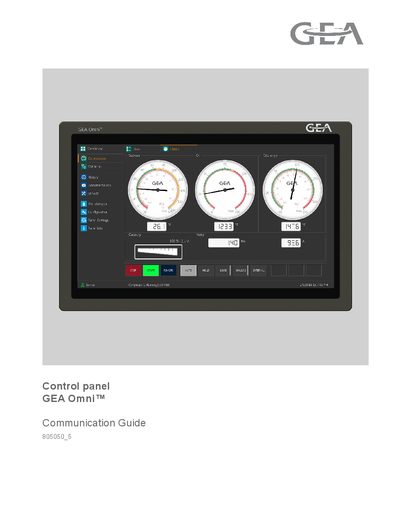
The GEA Omni™ Control Panel provides flexible communication interfaces for integration with supervisory systems not supplied by GEA. It supports both Ethernet and Serial communications to allow remote monitoring and control of equipment parameters such as pressures, temperatures, timers, and status messages.
Two types of communication interfaces are available: standard Ethernet (10/100/1000 BaseT) supporting Modbus TCP and EtherNet/IP protocols, and a serial RS-485 interface supporting Modbus RTU, Allen-Bradley DF1, Benshaw Motor Starter, and Thermomaster. Optional protocols ProfiNET and Profibus-DP require the use of a Gateway.
| Ethernet Port Type | RJ-45 type connector |
|---|---|
| Standard Protocols | Modbus TCP, EtherNet/IP, Modbus RTU, Allen-Bradley DF1 |
| Modbus TCP Service Port | 502 |
The standard Ethernet interface supports Modbus TCP and EtherNet/IP.
Yes, it can read out all analog values such as pressures and temperatures.