
User manual for GCC Expert II series cutting plotters covering installation, blade and media loading, AAS contour cutting, maintenance and troubleshooting.
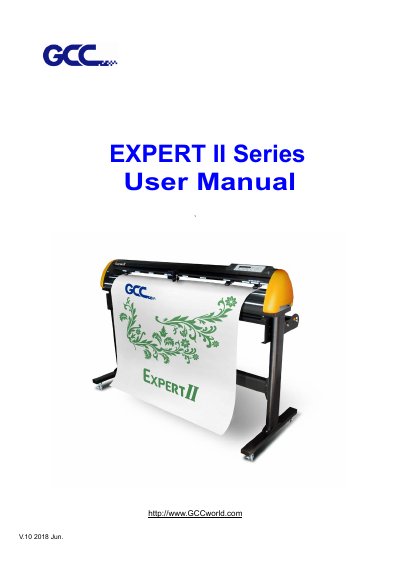
The GCC Expert II Series User Manual describes the Expert II series cutting plotters, including the Ex II-24, Ex II-24LX, Ex II-52 and Ex II-52LX models. The plotters are designed to produce computer-generated images or perform contour cutting on sheets or rolls of vinyl media, and can also be used as a pen plotter.
The manual covers package items, stand installation, USB cable tie and saddle, blade installation, sheet and roll media loading, USB and RS-232 connections, driver and software installation, control panel and VLCD operation, the Automatic-Aligning System, basic maintenance and troubleshooting. It also includes specifications and instructions for CorelDRAW, Illustrator, GreatCut and Sure Cuts A Lot.
| Cutting force | Up to 350 grams |
|---|---|
| Cutting speed (EXII-24/LX) | Up to 705 per second |
| Cutting speed (EXII-52/LX) | Up to 635 mm per second |
| Connectivity | USB and serial interface |
| Tracking | 3 m (10 ft) |
| Automatic contour cutting | AAS II on LX models |
| Media width (Ex II-24) | 50 mm to 719 mm (1.97 to 28.3 in) |
| Media width (Ex II-52) | 50 mm to 1470 mm (1.97 to 57.9 in) |
| Operating temperature | 15 to 30 °C (60 to 86 °F) |
| AC fuse | 3 A |
It supports up to 350 grams of cutting force.
It provides dual-port connectivity through USB and serial interfaces.
The LX models include AAS II for automatic contour cutting.
The Ex II-52 supports media widths from 50 mm (1.97 in) to 1470 mm (57.9 in).