
AR-24 user manual, introduces the use of AR-24 engraving machine, including safety warnings, basic information, engraving machine installation, operation instructions, daily maintenance and troubleshooting
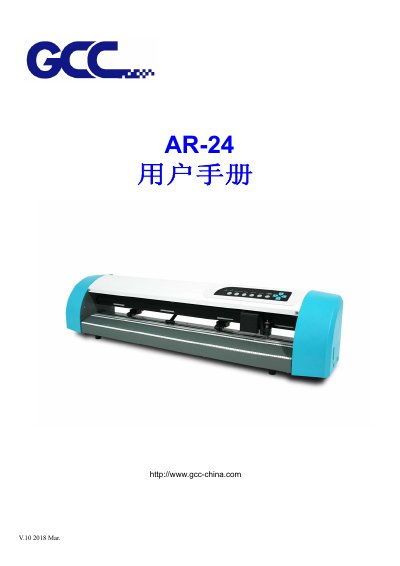
This manual provides comprehensive instructions for the GCC AR-24 plotter, including safety warnings, installation steps for the stand and paper system, and blade installation. It details how to load single-sheet and roll media, connect the device via USB or RS-232 serial ports, and install the necessary software drivers. This manual is written in Chinese.
| Maximum cutting width | 600mm |
|---|---|
| Maximum cutting length | 50m |
| Maximum paper width | 719mm |
| Material thickness | 0.8mm |
| Cutting pressure | 250g |
| Cutting speed | 552mm/sec |
| Power requirement | AC100-240V, 50~60Hz |
| Operating temperature | 15 C~30 C |
The plotter supports two transmission interfaces: USB and RS-232 serial port.
The maximum cutting width is 600mm.
Yes, the manual includes instructions on how to load roll media.