
The GCC Expert II engraving machine user manual provides safety warnings, installation steps, operation instructions, maintenance tips, AAS calibration, and…
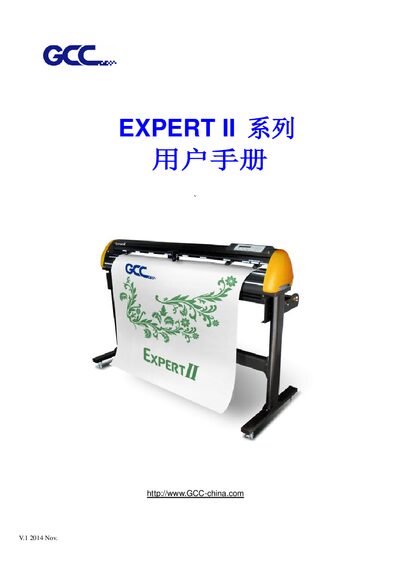
This manual covers everything needed to set up and safely operate the GCC Expert II engraving machine, including important safety warnings, required accessories, and detailed installation procedures for the foot stand, blade, and media loading.
It also explains how to connect the machine via USB or RS‑232, configure the software drivers, use the Precision Positioning System (AAS), perform regular cleaning, and resolve common issues. This manual is written in Chinese.
| Maximum cutting width | 600 mm (EX II‑24) / 1320 mm (EX II‑24LX) |
|---|---|
| Maximum material thickness | 0.8 mm |
| Blade pressure | 350 g |
| Cutting speed | 705 mm/s (45°) / 635 mm/s (45°) |
| Mechanical accuracy | 0.009 mm |
| Interface ports | USB 2.0 and RS‑232 |
| Operating temperature | 15 °C – 30 °C (60 °F – 86 °F) |
The Expert II provides both a USB 2.0 port and an RS‑232 serial port for connecting to a computer.
Connect the USB cable, power on the machine, and the driver will install automatically; do not unplug the cable until installation finishes.
The machine should be used in an environment between 15 °C and 30 °C (60 °F – 86 °F).