
This manual details the operation, configuration, and connection settings for the Euradrives DT3000 Series Cloud Box IoT terminal.
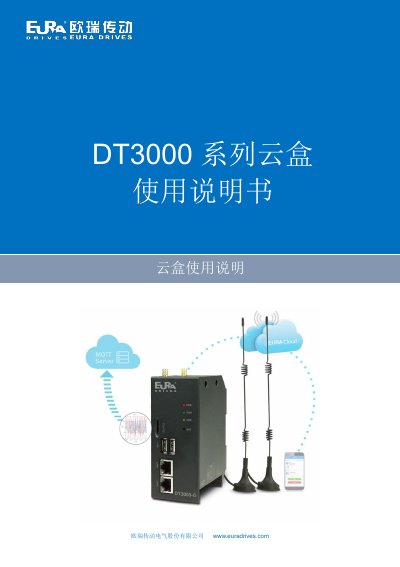
The Euradrives DT3000 Series Cloud Box is an industrial Internet of Things (IoT) terminal designed to function as a screenless HMI. It allows users to monitor industrial sites, control equipment, and upload data to the cloud via mobile apps or web interfaces. The device supports embedded SCADA engineering for real-time visualization and communication with various industrial control devices. This manual is written in Chinese.
| Input Power | 24VDC± 20% |
|---|---|
| Operating Temperature | 0~+55℃ |
| Flash Memory | 4G |
| RAM | 512MB |
| Processor | Cortex A7, max 696MHz |
| Ethernet Ports | 2*10/100 Base-Tx |
| Dimensions | 50mm*120mm*88mm (W*D*H) |
The default hotspot name follows the format 'BOX -(PN code first 6 digits)-(PN code last 5 digits)'.
The factory default IP address is 192.168.1.112.
The device requires EURA SCADA editing software, which can be downloaded from the official website.