
This user manual provides installation, operating procedures, and parameter configuration instructions for the EURA DRIVES E2000, EP66, and EM30 pump…
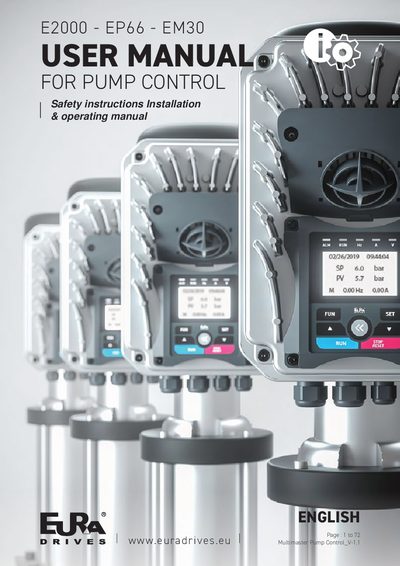
This document serves as a technical guide for specialist technicians commissioning EURA DRIVES Pump Control units. It covers safety warnings, glossary definitions, and specific recommendations such as returning devices to factory defaults before parameterization.
The manual details the development of the parameter selection menu, including configurations for simple pumps, level control, pressure empty modes, well pumps, solar limitation, and fire-fighting scenarios. It also explains regulated plus fixed modes, multi-master synchronization, auxiliary functions like leak detection and dry running protection, and various control regulation parameters.
| Rated power range | 0.2 ~ 1000 kW |
|---|---|
| Rated voltage range | 1 ~ 440 V |
| Rated current range | 0.1 ~ 6500 A |
| Rated speed range | 1 ~ 30000 U/min |
| Rated frequency range | 1.0 ~ 300.0 Hz |
It is recommended to initially return the device to its default factory values and match the converter with its motor by performing the appropriate autotuning.
Select parameter F160, press [SET], set F160=1, then press [SET] again. The value returns to 0 after restoration.
Parameters F400, F402, F406, F408, F412, F414, F421, F607, F732, F742, F745, and F901 are not restored.