
User guide for Emerson 1F89EZ-0251 non-programmable thermostat with Home, Sleep, and Away pre-sets, installation, and troubleshooting.
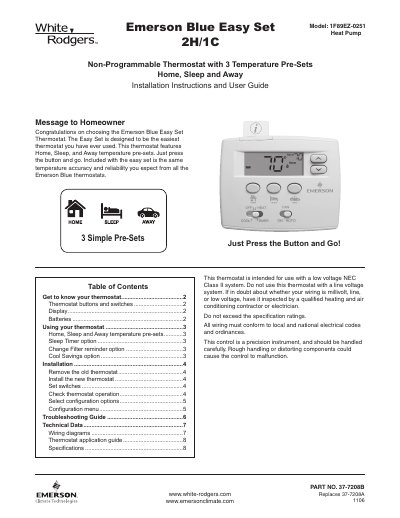
This manual covers installation and operation of the Emerson 1F89EZ-0251 non-programmable thermostat. It includes setup of Home, Sleep, and Away temperature pre-sets, sleep timer, filter reminder, and Cool Savings mode. Installation steps involve removing the old unit, wiring the new one, and setting switches. Troubleshooting and technical data are also provided.
The thermostat is designed for low-voltage NEC Class II systems and features a simple interface with buttons for temperature adjustment and mode selection. It includes battery backup and alerts for low battery, filter change, and system faults.
| Model | 1F89EZ-0251 |
|---|---|
| Voltage Rating | Low voltage NEC Class II |
| Battery Type | Two "AA" alkaline batteries |
| Temperature Pre-Sets | Home, Sleep, Away |
Press the corresponding button and hold for 3 seconds to save the temperature. Repeat for each pre-set.
It indicates the Cool Savings feature is enabled or operating to save energy.