
Turkish guide for using the EBSCO Mobile app to sign in, download, read, highlight, and bookmark EBSCO e-books.
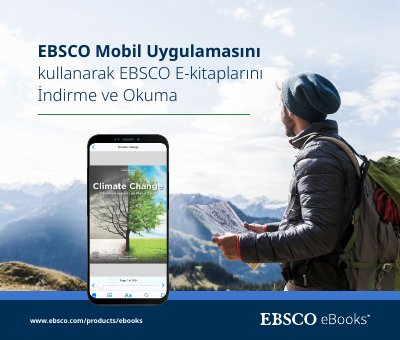
This Turkish-language guide explains how to use the EBSCO Mobile app to download and read EBSCO e-books from a library collection. It states that users do not need an Adobe ID or Adobe Digital Editions to download and read e-books in the app.
The document covers downloading the app for Apple and Android devices, signing in through a library or personal account, selecting a loan period, reading downloaded titles, and using table of contents, display options, search, bookmarks, and book info. It also addresses Chromebook use, accessibility testing, and e-book features not yet available in the app. This manual is written in Turkish.
| Apple device requirement | iOS 11+ |
|---|---|
| Android device requirement | Android 9+ |
| Adobe ID requirement | Not required for downloading and reading e-books in the app |
| Chromebook support | Downloadable on Chromebooks that support Android apps through Google Play |
| Accessibility testing | Tested by The Carroll Center for the Blind against WCAG 2.1 level AA |
| Online viewing | Not currently available; download/save only |
No. The guide states that the app lets users download and read e-books without an Adobe ID or Adobe Digital Editions.
The device must run iOS 11+ for Apple devices or Android 9+ for Android devices.
Yes. It can be downloaded on Chromebooks that support Android apps through Google Play.
Yes. The guide notes that e-books can be downloaded only after signing in with a personal user account.