
This document provides instructions for using EBSCO, including access methods, link address, subject scope, and the content of each database. EBSCO offers full-text and abstract databases covering various disciplines such as natural sciences and social sciences.
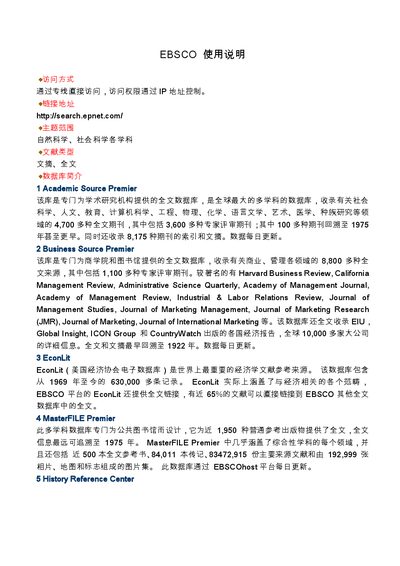
This manual explains how to connect to EBSCO databases, including access methods, login URLs, and the range of subjects covered. It describes the major databases available, such as Academic Source Premier, Business Source Premier, EconLit, and others.
The guide also details search techniques, result handling, saving, printing, and emailing records, as well as how to exit the system. Step‑by‑step instructions are provided for basic and advanced searches, visual navigation, and auxiliary retrieval options. This manual is written in Chinese.
Connect via the direct link http://search.epnet.com/ and use IP‑based access control.
The manual lists Boolean logic, truncation, proximity operators (W, N), phrase searching, and stop‑word handling.
Click the "保存" button on the result page, choose the format, and confirm to download the file.
Close the browser window to exit the system.