
This manual details security features for EasyBuilder Pro V6.09.01, including user password setup, operable object classes, enhanced security modes, and…
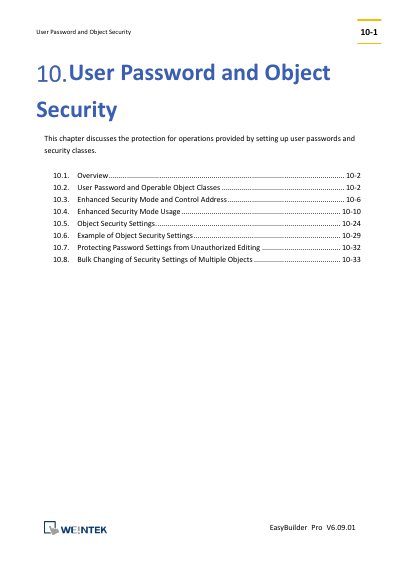
This document covers the protection mechanisms for operations within the EasyBuilder Pro V6.09.01 software. It explains how to set up user passwords and security classes to control access to different objects. The guide distinguishes between General Mode and Enhanced Security Mode, detailing the specific privileges and user limits for each.
| General Mode user sets | Up to 12 sets |
|---|---|
| General Mode security classes | Six classes (A to F) |
| Enhanced Security Mode users | Up to 11 users |
| Enhanced Security Mode operable classes | Up to 12 classes (A to L) |
| Administrator Tools users | Up to 127 users |
| Control Address register type | LW register |
Temporary accounts are not stored in the system and will be invalid after the HMI is turned off, or automatically deleted when the time period expires.
The result code 0x020 indicates a password error.