
The EasyBuilder 8000 User Manual provides installation, configuration, and programming instructions for the EasyBuilder 8000 HMI software.
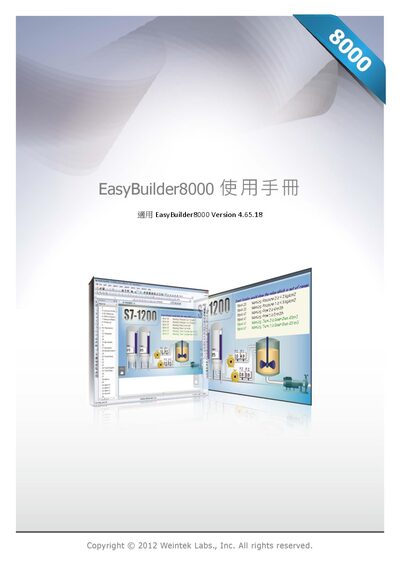
This manual covers the complete workflow for using EasyBuilder 8000, starting with software installation and project creation, then moving through hardware configuration, system parameters, and window design. Detailed chapters explain event logging, data sampling, macro programming, and communication setup such as MODBUS and Ethernet/IP.
Additional sections describe printer support, recipe editing, EasyConverter utilities, and advanced features like multi‑screen operation, FTP server usage, and diagnostic tools, giving users a comprehensive reference for developing and maintaining HMI projects. This manual is written in Chinese.
| Software version | 4.65.1 |
|---|
Refer to Chapter 1, sections 1.1 and 1.2 for installation steps and procedures.
Chapter 19 explains how to set the HMI to MODBUS Server mode and configure address mapping.