
User manual for DT24 2-wire video intercom system covering installation, operation, and configuration of monitor including screen settings, door release…
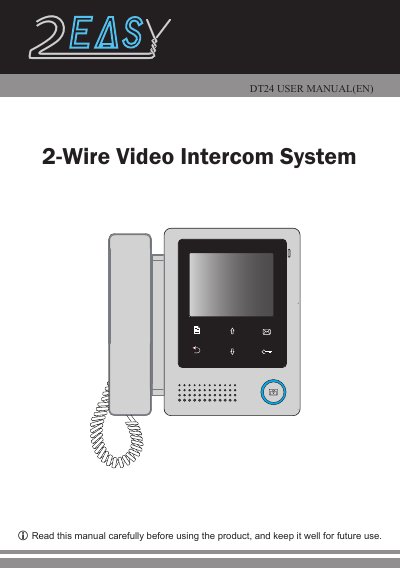
This manual guides users through installing and operating the DT24 2-wire video intercom system. It covers setting up the monitor’s main menu, adjusting screen brightness and color, configuring door release, and setting language and address. The system supports multiple monitors with configurable roles like master, slave, or guard unit. It also includes instructions for ring tone selection, time settings, and connecting up to four monitors in one apartment.
| Power Supply | DC 24V |
|---|---|
| Power Consumption | Standby 6mA; Working status 194mA |
| Monitor Screen | 4 Inch color LCD |
| Display Resolutions | 320(R, G, B) x 240 pixels |
| Video Signal | 1Vp-p, 75Ω, CCIR standard |
| Wiring | 2 wires, non-polarity |
| Dimension | 186(H)×190(W)×26(D)mm |
Input the corresponding language code (e.g., 8101 for English) on the monitor to set the language.
Up to four monitors can be connected: one master and three slave monitors.
Use code numbers 8021 to 8029 to set unlock time from 1 to 9 seconds.
The default resolution is 320(R, G, B) x 240 pixels.