
This manual provides instructions for the DT-QSW Camera Interface, a video quad splitter module that allows four images from different cameras to be…
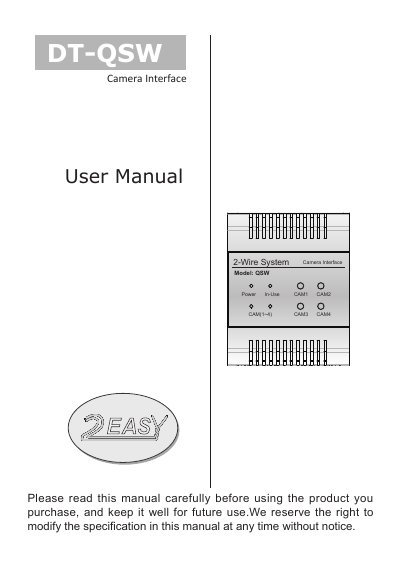
The DT-QSW module is designed for use with the DT system as a video quad splitter. It enables four images from different analog CCTV cameras to be displayed simultaneously on a single monitor screen via the QSW unit. The device features indicators and buttons to control which camera feed is active or how the split display functions.
| Power Supply | DC24V |
|---|---|
| Working Temperature | -150C~+550C |
| Wiring Type | 2 wire,non-polarity |
| Dimension | 90(H)×72(W)×60(D)mm |
The system will mandatory output the video of quad split.
They both connect to the bus line with no polarity.
It is a video output indicator that stays on when the QSW outputs video.