
This user manual provides instructions for the installation, operation, and setup of the DT DT-ENG-25D4-V1 2-wire intercom system.
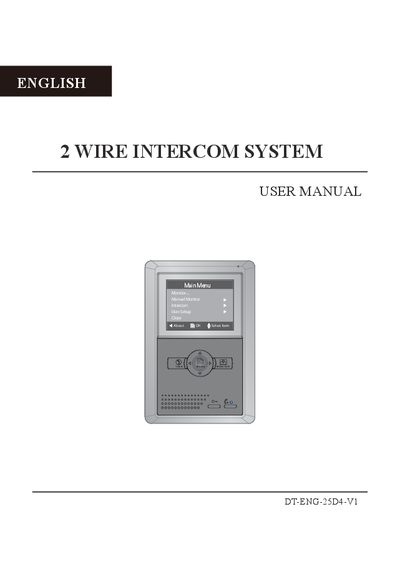
The document serves as a comprehensive guide for the DT-ENG-25D4-V1 indoor monitor unit. It details the physical parts and functions, including the microphone, LCD screen, and various buttons like MENU, TALK, and UNLOCK. The manual explains how to mount the device and wire it correctly using special 2-wire cables.
| Power supply for indoor monitor | DC 24V |
|---|---|
| Power consumption (Standby) | 0.5W |
| Power consumption (Working status) | 5W |
| Monitor screen size and type | 4 Inch color LCD |
| Display Resolution | 320(R,G,B) x 240 pixels |
| Video signal standard | 1Vp-p, 75Ω, CCIR standard |
| Wiring type | 2 wires, non-polarity |
| Dimension (H x W x D) | 199x135x23 mm |
Communication with the visitor lasts for 90 seconds.
The screen will turn off automatically after 30 seconds.
Maximum 4 monitors can be connected (one master and three slaves).
Yes, the unlock time can be set from 1 to 9 seconds.