
This manual provides safety precautions, operating instructions, maintenance guidelines, and installation procedures for the DT DT-U31, DT-U27HB, and…
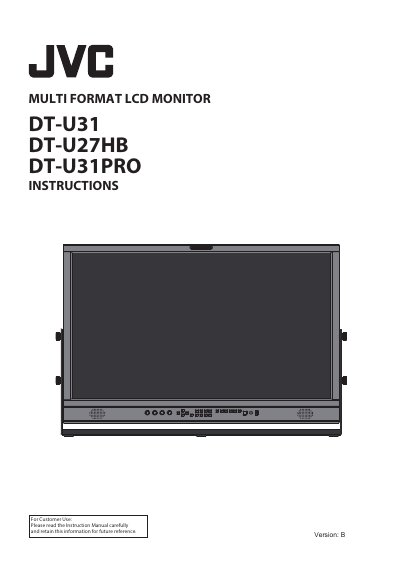
This document serves as the instruction manual for the DT DT-U31, DT-U27HB, and DT-U31PRO multi-format LCD monitors. It outlines essential safety precautions, including warnings about electrical shock, fire hazards, and proper power connection for different regions (AC 120 V for U.S.A. and Canada, AC 220-240 V for others). The manual emphasizes that no user-serviceable parts are inside and directs all servicing to qualified personnel.
| Power Supply Voltage (U.S.A. and Canada) | AC 120 V |
|---|---|
| Power Supply Voltage (European countries, Asian countries, and United Kingdom) | AC 220 – 240 V |
Turn off the power, unplug the product from the wall outlet, and refer service to qualified service personnel.
No, using the same power cord for both voltages may cause malfunction, electric shock, or fire.
Wipe stains off the LCD panel with a soft cloth. If heavily stained, use a soft cloth soaked in water-diluted neutral detergent, wrung well, then wipe with a soft dry cloth.