
This quick start manual covers basic procedures, safety cautions, and administrator information for DIGITAL full colour multifunctional systems.
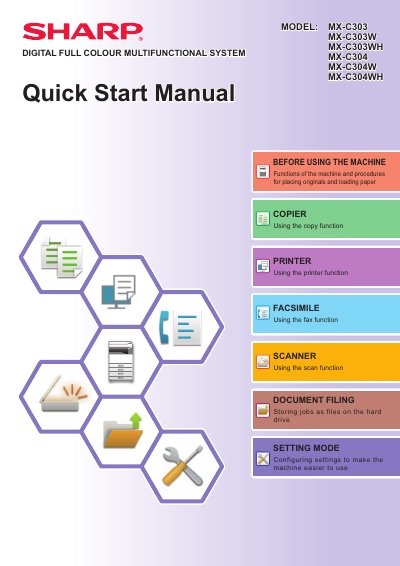
This document serves as a Quick Start Manual for the DIGITAL MX-C303 and MX-C304 series of digital full colour multifunctional systems. It provides essential guidance on using core functions such as copying, printing, faxing, and scanning, along with instructions for placing originals and loading paper.
The guide also includes information for administrators regarding safe use practices, accessing the machine's web server, downloading detailed operation guides from the touch panel or network, and configuring basic settings to make the machine easier to use.
| Paper Capacity (Tray 1) | 250 sheets |
|---|---|
| Paper Capacity (Tray 2/3/4/5) | 600 sheets |
| USB Support | USB 2.0 (Hi-Speed) |
Tray 1 can hold a maximum of 250 sheets of paper.
Tray 2 can hold a maximum of 600 sheets of paper.
The USB port supports USB 2.0 (Hi-Speed).