
This guide introduces the DiGiCo S21 digital mixing console, covering worksurface layout, control surface usage, expanded views, and system settings.
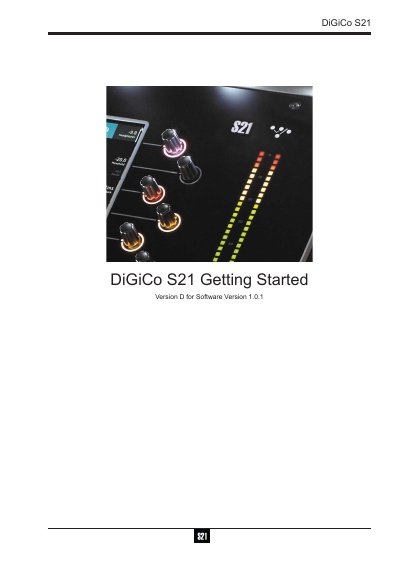
The DiGiCo S21 is a digital mixing console consisting of a worksurface, an audio engine, and onboard inputs/outputs. It can be connected to various racks using optional DMI cards and supports configurations for up to 40 mono or stereo input channels, 10 VCAs, and multiple busses.
Before starting, users must ensure all required I/O racks are powered on before the console itself. The manual covers worksurface layout including layers and banks, control surface usage via touchscreen and physical encoders, expanded views for EQ and dynamics, and main menu functions like session management and software upgrades.
| Input Channels | up to 40 mono or stereo input channels |
|---|---|
| VCAs | 10 VCAs |
| Busses | 16 mono or stereo busses plus a Master buss |
| Matrix | 10 Input x 8 Output Matrix |
No, S21 V1.0 software is not compatible with any sessions created in preliminary (pre V1.0) versions of software.
No, DMI cards are NOT "Hot swappable" so the console must be powered off before inserting or removing them.