
Configuration guide for setting up the Diebold IM402TD non-fiscal thermal printer, including interface selection and baud rate (115200 bps).
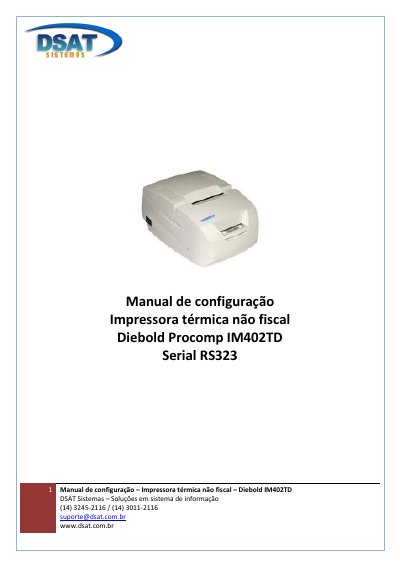
This Portuguese configuration manual, prepared by DSAT Sistemas, explains how to set up the Diebold Procomp IM402TD non-fiscal thermal printer over a serial RS323 connection. It walks through powering the unit off, entering the configuration mode with the front "Avanço" (feed) button held down while switching the printer on, and stepping through the printed menus.
The steps cover selecting the Configuration menu, then the Interface menu, the Serial (RS323) option, the Velocidade (speed) menu and 115200 bps, confirming each choice by holding the feed button until the next menu prints. The last step is to switch the printer off and on again, after which it is ready for use. This manual is written in Portuguese.
| Interface | Serial (RS323) |
|---|---|
| Baud rate | 115200 bps |
Turn the printer off, press and hold the front "Avanço" button, switch the printer on and keep holding until printing finishes.
115200 bps, chosen from the Velocidade menu by pressing the Avanço button five times.
Switch the printer off and on again; it is then ready for use.