
This is a manual for Diebold Opteva 760 ATM.
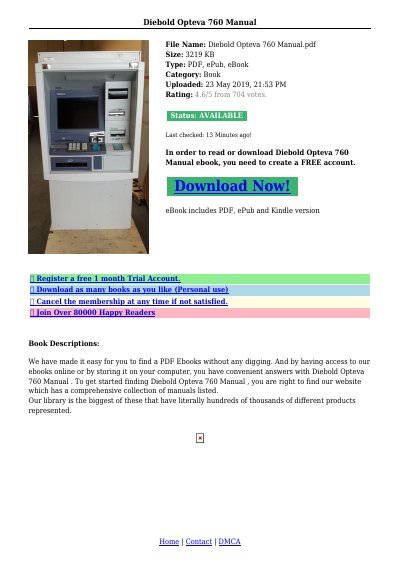
This manual explains how to activate the Onscreen Operator Panel (OOP) and use the system keyboard inside the ATM cabinet. It details commands for shutdown, reboot, diagnostics, front logon, and touch screen calibration. The guide also describes display states such as Start, Stopping, and Stopped, and how to interact with the ATM in different operational modes.
The manual is designed for operators who need to perform maintenance or troubleshooting tasks, including activating the operator interface, managing system states, and calibrating the touch screen. It includes step-by-step instructions for each function, with notes on differences between frontservice and rearservice models.
Insert the key, unlock and pull open the front fascia. Hold down the mode rocker switch for about 2 seconds to activate the OOP on the ATM’s main display.
Available commands include Shutdown, Reboot, Diagnostics, Front Logon, and Calibrate Touch Screen.
The ATM will shut down properly for maintenance or replacement. The front screen goes to OutOfService, and the system powers off after approximately 4555 seconds.