
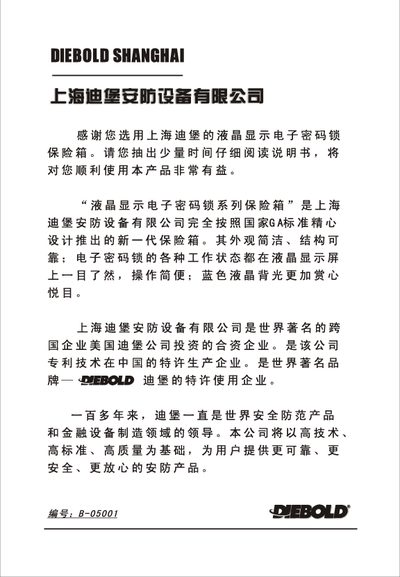
Diebold FDX-A/ZD-32.01B LCD Electronic Combination Lock User Manual


Diebold FDX-A/ZD-32.01B LCD Electronic Combination Lock User Manual - cover page
Brand
DIEBOLD
Document type
User Manual
Language
Chinese
Pages
18
File format
PDF
File size
2.7 MB
Published
08 October, 2022
MD5 checksum
36DEC67FA1C1806F583EF0E02C849C20

About this manual

This manual provides step‑by‑step instructions for first‑time operation, normal opening/closing, emergency opening, and battery replacement of the Diebold LCD electronic combination lock safe. It also explains the keypad functions, LCD symbols, buzzer alerts, and alarm features.

The document includes wiring and installation guidance, electrical parameters, a list of accessories, and warranty information. All procedures are illustrated with figures referenced from the manual. This manual is written in Chinese.

What's inside

  • First Time Operation
  • Normal Opening and Closing Steps
  • Emergency Opening Steps
  • Battery Replacement
  • Keypad and LCD Display Functions
  • Buzzer Indications
  • Alarm Function
  • Installation and Wiring
  • Electrical Parameters
  • Accessories List

Specifications

Battery type4 x AA (5号) batteries
LCD backlight colorBlue

Frequently asked questions

What does the low‑battery indicator look like on the LCD?

The LCD shows a specific symbol indicating insufficient battery power, prompting the user to replace the batteries.

Download PDF (2.7 MB)

More DIEBOLD Manuals


View all DIEBOLD manuals →