
Japanese user manual for the Creative Sound Blaster Tactic3D Omega Wireless gaming headset, covering Xbox 360, PS3, PC and Mac setup, charging, software…
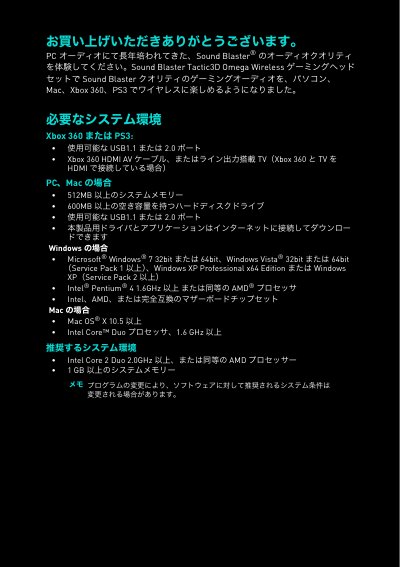
The document is the Japanese user manual for the Creative Sound Blaster Tactic3D Omega Wireless gaming headset. It explains system requirements for Xbox 360, PlayStation 3, PC and Mac, identifies the headset and Tactic3D base station parts, and gives setup steps for each platform.
It also covers headset stand assembly, charging the headset, installing the Creative software suite, and the product specifications, including wireless frequency, channel count and range. The specifications section also lists THX TruStudio Pro features for PC and Mac. This manual is written in Japanese.
| Wireless frequency band | 2405–2477 MHz |
|---|---|
| Effective wireless range | Up to about 30 ft (about 10 m) |
| Wireless transmit output power | 0 dBm (typical) |
| Headset microphone boom connection | 3.5 mm (1/8 inch) jack |
| Headset charging port | Micro-USB port |
| Base station headset charging port | USB port |
| PC/Mac minimum system memory | 512 MB |
| PC/Mac minimum hard disk space | 600 MB |
It must be charged for at least 8 hours.
It flashes red during charging and stays red when charging is complete.
The headset can be used without software, but full features such as THX TruStudio Pro and VoiceFX require the dedicated driver and application.
They can be downloaded from jp.creative.com.