
Guide for the Creative Sound Blaster Roar MF8170 Bluetooth speaker covering charging, Bluetooth/NFC pairing, Link Security, and specifications.
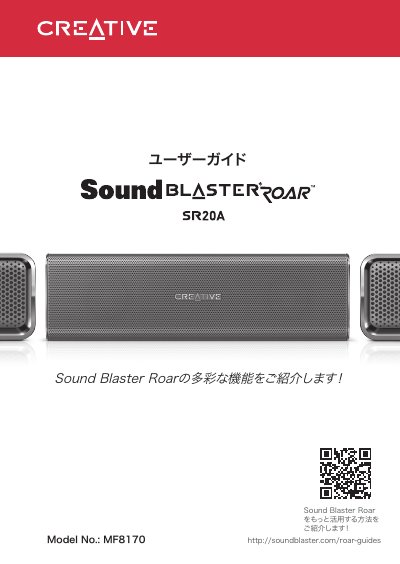
The Sound Blaster Roar MF8170 is a Creative Bluetooth speaker with NFC pairing, a rechargeable lithium-ion battery, and a microSD card slot for audio playback and recording. The guide explains the speaker's parts and indicators, charging through the power adapter or USB, and the battery status display.
It also covers Bluetooth/NFC connection, the Link Security modes, and power-save behavior when the power adapter is connected. The technical specifications list Bluetooth 3.0, supported codecs, audio formats, and the power adapter's input and output ratings. This manual is written in Japanese.
| Bluetooth version | Bluetooth 3.0 |
|---|---|
| Operating frequency | 2402–2480 MHz |
| Lithium-ion battery | 6000mAh |
| USB input | 5V 500 - 1000mA |
| DC output | 5V 1000mA |
| Power adapter model | GPE024W-150160-Z |
| Power adapter output | 15VDC 1.6A |
| Operating temperature range | 0ºC–45ºC |
| Bluetooth codecs | SBC, aptX, AAC |
| Operating range | Up to 10 meters |
| microSD card support | Class 4 or higher, up to 32GB FAT16/32 |
| Supported audio formats | MP3, WMA, WAV (PCM 16-bit 48kHz) |
Charge it with the included power adapter for at least about 3 hours before first use.
Yes. Connect the smartphone to the speaker's USB DC output terminal with a USB cable.
Press and hold the button until the white LED flashes rapidly, then select [SB ROAR SR20A] on the device.