
User guide for Creative's Sound BlasterX AE-5 sound card, featuring a 122dB DAC, discrete headphone amp, RGB lighting, and audio enhancement tools.
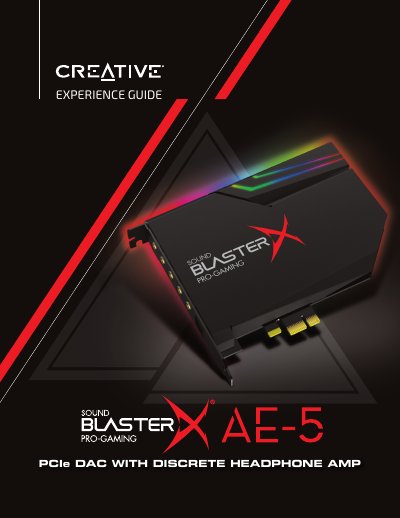
The Sound BlasterX AE-5 is a high-performance audio card with a 122dB Sabre-Class DAC and a custom 600Ω discrete headphone amplifier. It supports up to 32-bit/384kHz lossless audio and includes an integrated RGB controller for customizable lighting effects up to 16.8 million colors. The card also features Sound Blaster audio technologies for enhanced gaming, music, and movie experiences.
The included Sound Blaster Connect software allows users to customize audio settings, lighting, voice enhancements, and Scout Mode for FPS games. The Scout 2.0 feature enables visualizing enemy positions on a mobile device via the Scout Radar app, enhancing gameplay with audio and visual cues.
| DAC | 122dB 32-bit/384kHz ESS Sabre™ |
|---|---|
| Headphone Amplifier | Custom 600Ω discrete |
| RGB Lighting | Up to 16.8 million colors |
| Audio Playback | Up to 32-bit/384kHz lossless |
| Headphone Impedance | 16-600Ω |
Up to 32-bit/384kHz lossless audio playback.
Yes, you can customize lighting with up to 16.8 million colors using the Aurora Reactive Lighting System.
Scout Mode lets you hear enemies before you see them and visualize their position via a mobile app.
You can adjust EQ settings using the graphic equalizer or preset EQs in the Sound Blaster Connect software.