
Installation guide for the Corning TKT-UNICAM-PFC High-Performance UniCam Tool Kit, covering safety, tool contents, connector compatibility, fiber…
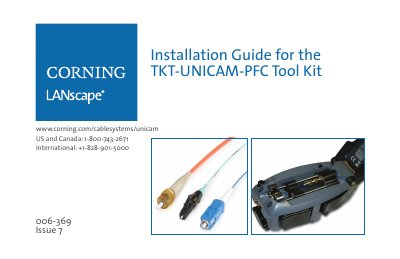
This manual provides step-by-step instructions for assembling Corning Cable Systems UniCam® LC, SC, and ST® Compatible connectors using the High-Performance UniCam Tool Kit (TKT-UNICAM-PFC). It covers both multimode and single-mode connectors and includes safety precautions for handling optical fiber, chemicals, and laser light.
The guide details the tool kit contents, compatible connectors with ordering information, tool and connector preparation, fiber preparation for various cable types, cleaving with the FBC-015 cleaver, connector termination, and maintenance procedures including cleaning, troubleshooting, and testing.
| Compatible Connectors | UniCam® LC, SC, and ST® Compatible connectors (multimode OM1/OM2/OM3/OM4, single-mode OS2) |
|---|---|
| Included Installation Tool | High-Performance UniCam Installation Tool (TL-UCP) |
| Included Cleaver | High-Performance Cleaver FBC-015 |
Wear safety glasses conforming to ANSI Z87, avoid eye contact with cleaning fluid, and never look directly into a fiber that may carry laser light.
It describes how to assemble UniCam LC, SC, and ST Compatible connectors.
The kit includes the High-Performance Cleaver FBC-015.
The ferrule adapter may not be fully seated on the connector.