
This guide provides instructions for registering, logging in, and configuring the FlexNAP system, covering design areas, build settings, locations, taps…
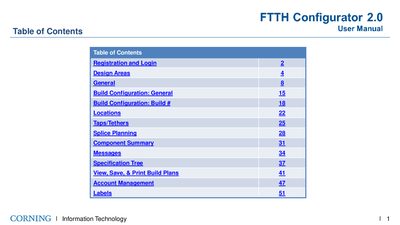
The Corning FlexNAP Configuration Guide is a user manual for the FlexNAP configurator software. It details the registration and login process required to access the system via an administrative ticket from a sales representative. Once logged in, users can manage accounts and utilize various configuration tools.
The document covers key design areas including centralized, distributed, and hybrid setups involving OptiTip and OptiTap technologies. Users are guided through general settings such as project identification, environment selection (indoor/outdoor), and cable descriptions. The guide also explains how to configure build parameters, plan locations for splitters and taps, manage tethers, and generate specific labels with internal Corning IDs.
You must talk to your sales representative, who will submit a ticket to get you registered.
The options for the environment type are Outdoor and Indoor.