
Corel CorelCAD 2014 User Manual

User guide for CorelCAD 2014 covering interface, drafting, 3D modeling, printing, and more.
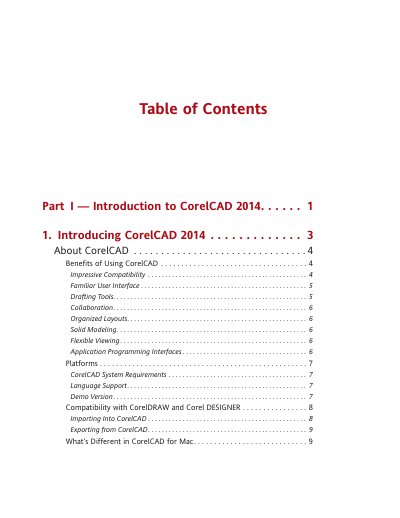

Corel CorelCAD 2014 User Manual - cover page
Brand
Corel
Document type
User Manual
Language
Chinese
Pages
9
File format
PDF
File size
157 KB
Published
23 November, 2026
Updated
23 November, 2026
MD5 checksum
0379A171F4C501EC6E1C640FEC6D0A3F

About this manual

This manual introduces CorelCAD 2014, detailing its user interface, drafting tools, and solid modeling features. It covers 2D architectural drafting, mechanical design, and 3D modeling with practical examples. Sections on printing, text, dimensions, and block management are included. The guide also explains compatibility with CorelDRAW and Corel DESIGNER, system requirements, and language support. This manual is written in Chinese.

What's inside

  • Introduction to CorelCAD 2014
  • A Quick Tour Through CorelCAD 2014
  • Basic CAD Concepts
  • 2D Architectural Drafting
  • Printing Drawings
  • Adding Symbols
  • Text and Attributes
  • Placing Dimensions
  • Scan and Trace
  • Isometric Drafting

Frequently asked questions

What type of drafting does CorelCAD 2014 support?

CorelCAD 2014 supports 2D architectural drafting.

What kind of mechanical design does CorelCAD 2014 include?

CorelCAD 2014 includes 2D and 3D mechanical design.

Is CorelCAD 2014 compatible with AutoCAD commands?

CorelCAD 2014 includes AutoCAD command compatibility.

What can users do with scanned images in CorelCAD 2014?

Users can trace over scanned images.

Download PDF (157 KB)

More Corel Manuals


View all Corel manuals →