
This document introduces the software functions of Corel Application Disc, including video image backup, playback, editing, and transfer. Specific functions include backing up video records, transferring video images to the computer, editing videos, and creating DVDs. The document also provides system requirements and recommended configurations for the software.
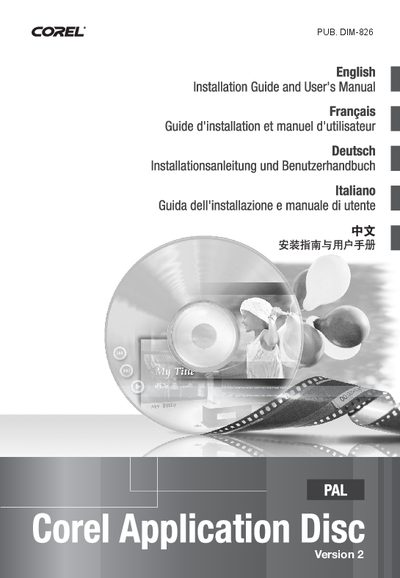
The Corel Application Disc (DIM‑826) provides several video‑related programs such as GuideMenu, DVD MovieFactory SE and WinDVD SE for backing up, editing and playing video files. The manual describes each program’s purpose and the steps needed to transfer video between a camera and a computer.
Installation steps include checking system requirements, running the InstallShield wizard, selecting language and destination folder, and completing user registration online. After installation you can connect the camera via USB, back up video with GuideMenu, edit with DVD MovieFactory SE, and play with WinDVD SE. This manual is written in Chinese.
| Operating System | Microsoft Windows XP SP2, Microsoft Windows Vista |
|---|---|
| CPU | Intel Core 2 Duo 1.86 GHz / Intel Pentium D 3.2 GHz |
| RAM | 1 GB – 2 GB (depending on configuration) |
| Hard Disk Space (install only) | At least 1 GB |
| Video Card | NVIDIA GeForce 6600 128 MB or ATI Radeon X700 series 128 MB |