
Corel Painter 2021 is a digital imaging powerhouse. Its creative drawing tools, realistic brush effects, cloning capabilities, and customizable features let you unleash your creativity in new and exciting ways.
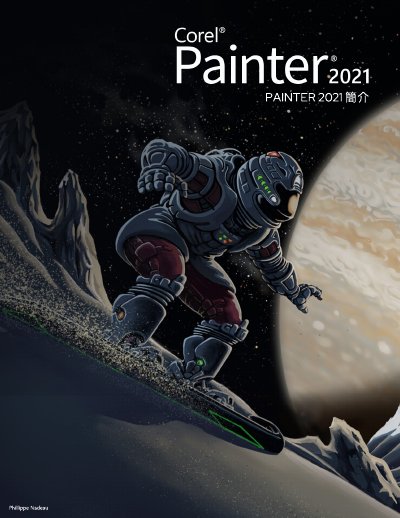
Corel Painter 2021 is a digital image processing tool designed for creative drawing with realistic brush effects and customizable features. This quick start guide covers the new functionalities introduced in version 2021, focusing on enhanced performance and user interface improvements. This manual is written in Chinese.
Corel Painter 2021 is a digital image processing tool that uses creative drawing tools, realistic brush effects, and cloning features to allow users to express creativity in new ways.