
Key facts
- Manuals
- 3
- Languages
- ZH
- Last added
- 2026-09-30
Featured Corel manuals
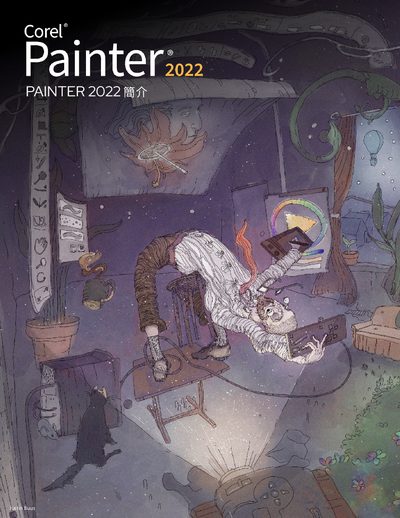
Corel Painter 2022 Software Quick Start Guide
This guide provides an overview of Corel Painter 2022, highlighting new brush material libraries, enhanced coverage methods, and updated panel interfaces. It explains the software’s creative drawing tools, realistic brush effects, and customizable features that enable artists to explore a wide range of digital media.
The manual walks users through selecting workspace configurations, modifying brushes, using the toolbox, exploring panels, and managing layers. It also covers importing Photoshop brush stamps, adjusting brush smoothing, and accessing online resources for further learning. This manual is written in Chinese.
Covers: New Features · Workspace Overview · Select Workspace Configuration · Select and Modify Brushes · Browse Toolbox · Explore Panels and Composite Panels
CorelDRAW X8 Software User Guide
This guide begins with installation instructions, system requirements, account setup, and update procedures for CorelDRAW Graphics Suite X8. It also covers how to verify your Corel account, manage licenses, and access Corel support services.
The remainder of the manual explains the CorelDRAW workspace, drawing and editing tools, shape and line creation, color management, text handling, and advanced features such as OpenType functions, 3‑D effects, and resource links. It includes tips, shortcuts, and troubleshooting information to help users work efficiently with the software. This manual is written in Chinese.
Covers: Installation · System Requirements · Getting Started · Workspace Overview · Drawing Tools · Shapes and Lines
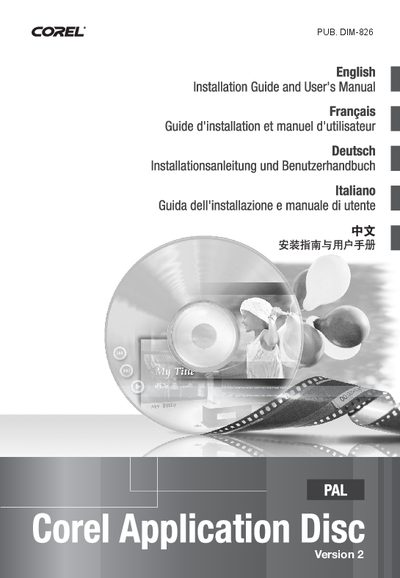
Corel DIM-826 Application Disc Installation Guide
The Corel Application Disc (DIM‑826) provides several video‑related programs such as GuideMenu, DVD MovieFactory SE and WinDVD SE for backing up, editing and playing video files. The manual describes each program’s purpose and the steps needed to transfer video between a camera and a computer.
Installation steps include checking system requirements, running the InstallShield wizard, selecting language and destination folder, and completing user registration online. After installation you can connect the camera via USB, back up video with GuideMenu, edit with DVD MovieFactory SE, and play with WinDVD SE. This manual is written in Chinese.
Covers: 系统要求 · 软件安装 · 用户注册 · 连接摄像机到计算机 · GuideMenu - 视频图像备份及传输 · DVD MovieFactory SE
Latest Corel manuals
Corel Painter 2022 Software Quick Start Guide
Quick Start Guide 43 pages · 29.4 MB · ZHThe Corel Painter 2022 Quick Start Guide introduces new brush libraries, workflow options, and basic tools for digital painting.
CorelDRAW X8 Software User Guide
User Manual 715 pages · 18 MB · ZHThe CorelDRAW X8 User Guide provides installation steps, interface overview, drawing tools, and advanced features for the CorelDRAW graphics software.
Corel DIM-826 Application Disc Installation Guide
Installation Guide 14 pages · 1.5 MB · ZHThis guide explains how to install, register, and use the Corel Application Disc software, including system requirements and program functions.
Which document do I need?
Quick Start Guide
The shortest path to a working setup, usually only a few pages.
User Manual
Day-to-day operation, settings and troubleshooting. Start here if the product is already set up.
Installation Guide
Mounting, wiring and first power-up. Read it before the hardware goes in.
Questions answered in Corel manuals
How can I change the language in CorelDRAW X8?
You can change the language using the "Change Language" option described on page 43.
How do I install CorelDRAW Graphics Suite X8?
Follow the installation steps outlined in the Installation section starting on page 19.