
This manual provides installation, operation, and safety instructions for the COMPACT EX-A1 Compact Component System.
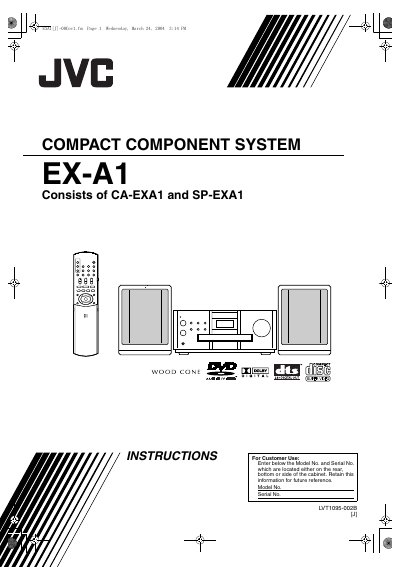
The document serves as a user guide for the COMPACT COMPONENT SYSTEM EX-A1, which consists of the CA-EXA1 and SP-EXA1 units. It details how to set up the system, connect various accessories like remote controls and antennas, and operate the device using both physical buttons and remote commands.
The manual covers a wide range of functions including playing discs (DVD, VCD, SVCD), adjusting picture and sound quality, utilizing advanced features such as Virtual Surround and Progressive mode, and operating specific modes for MP3 and JPEG files. It also includes sections on listening to radio broadcasts and using convenient functions like Sleep Timer and Auto Standby.
Do not remove screws or covers, do not expose to rain or moisture, and disconnect the mains plug using the F button to shut power off completely.
Leave the system turned on for 1 or 2 hours before use.