
This document is a disclaimer
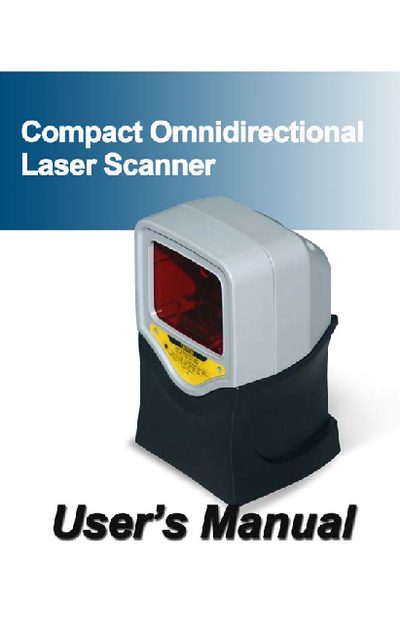
This manual describes the Compact Omnidirectional Laser Scanner, a compact hands‑free device that can operate in both omnidirectional and single‑line modes. It includes information on unpacking, connecting, power setup, and configuring the scanner for use with a host computer.
Safety guidelines cover laser hazards, radio frequency compliance, and proper handling of the protective housing. Maintenance procedures such as cleaning the scan window and replacing the interface cable are detailed to ensure long‑term reliable operation.
| Laser wavelength | 650 nm |
|---|---|
| Radiated power | < 3.9 µW |
| Peak laser output | up to 0.8 mW |
| Omnidirectional scan rate | 1400 scans per second |
| Single‑line scan rate | 74 scans per second |
Wipe the scan window with a soft lint‑free cloth and a non‑abrasive cleaner; it may be cleaned while the scanner is running.
Avoid long‑term staring into direct laser light, do not remove the protective housing, and use protective measures such as not using optical instruments that increase eye hazard.