
Quick start guide for installing and configuring the Cisco WAP581 Wireless-AC/N dual-radio access point with 2.5 GbE LAN.
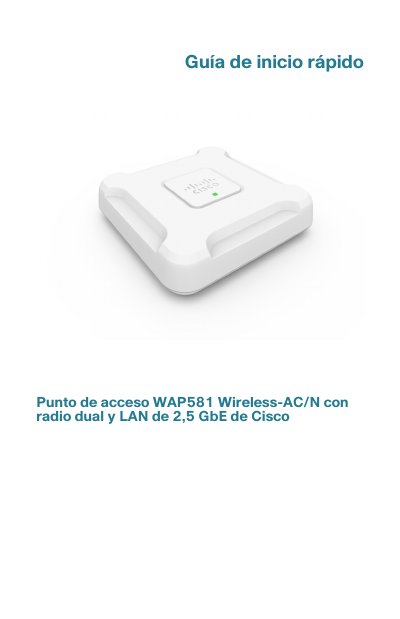
This document is the quick start guide for the Cisco WAP581 Wireless-AC/N dual-radio access point with 2.5 GbE LAN. It covers package contents, hardware features, default settings, mounting, wired and wireless connection, LED status, and initial configuration.
The access point is an indoor 802.11ac Wave2 + 802.11ac Wave1 dual-radio device with PoE. It has two RJ-45 Ethernet ports, including a 2.5 GbE PoE port and a Gigabit Ethernet LAN port. This manual is written in Spanish.
| Ethernet ports | Two RJ-45 ports |
|---|---|
| PoE/data port | 2.5 GbE with PoE |
| LAN port | Gigabit Ethernet |
| Default login | cisco / cisco |
| Default reserved LAN IP | 192.168.1.245 |
| Subnet mask | 255.255.255.0 |
| Default Wi-Fi SSID | Cisco SB-Setup |
| Default Wi-Fi password | cisco 123 |
| Wi-Fi security | WPA2-PSK AES |
| Ambient temperature | Do not exceed 104°F (40°C) |
| Mounting hole spacing | 2.75 in (70 mm) |
| Browser support | Internet Explorer 9.0 or later |
| Mounting | Desktop, wall, or ceiling |
The default username and password are both cisco.
The default SSID is “Cisco SB-Setup” and the password is “cisco 123”.
Connect one end of an Ethernet cable to a PoE switch and the other end to the access point's Ethernet (PoE) port.
A solid green system LED indicates normal operation with no wireless clients connected.