
Quick start guide for installing and initially configuring the Cisco WAP351 Wireless-N dual radio access point with 5-port switch.
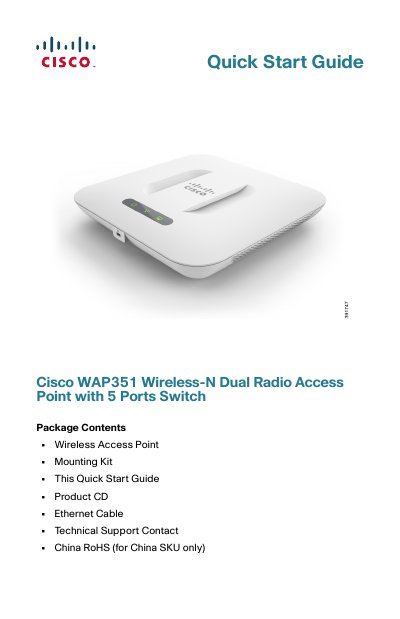
This quick start guide covers the Cisco WAP351 Wireless-N Dual Radio Access Point with 5 Ports Switch, an indoor concurrent dual-band radio 802.11n access point with integrated PoE switch. It describes package contents, hardware layout, default settings, mounting, wired network connection, and LED verification.
It also explains how to access the web-based Configuration Utility and Setup Wizard, lists supported browsers and placement tips, and provides troubleshooting steps for initial installation.
| Ethernet ports | 5 RJ-45 Gigabit Ethernet (802.3) ports |
|---|---|
| Power adapter | 48V/1.25 A |
| Maximum ambient temperature | 104°F (40°C) |
| Default username | cisco |
| Default password | cisco |
| Fallback LAN IP address | 192.168.1.245 |
| Subnet mask | 255.255.255.0 |
| Supported browsers | Internet Explorer 7.0 or later, Chrome 5.0 or later, Firefox 3.0 or later, Safari 3.0 or later |
The default username is cisco and the default password is cisco.
The fallback LAN IP address is 192.168.1.245.
The Cisco WAP351 should not be operated in an area exceeding 104°F (40°C).
Internet Explorer 7.0 or later, Chrome 5.0 or later, Firefox 3.0 or later, and Safari 3.0 or later are supported.