
Quick reference guide for the Cisco Unified IP Phone 8800 Series, covering dialing, call management, voicemail, and basic settings.
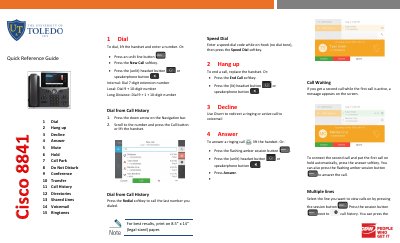
The Cisco Unified IP Phone 8800 Series Quick Reference Guide provides concise instructions for operating essential phone functions. It covers basic call handling such as dialing, answering, and hanging up, as well as advanced features like call parking and conferencing.
Additionally, the guide explains how to manage call history, access directories, handle shared lines, and configure voicemail and ringtones.
To make an internal call, lift the handset and dial the 7-digit extension number.
Press the Messages button and enter the first-time enrollment password 86489, then follow the voice prompts.
Dial your 10-digit desk phone number, press the * key when your greeting begins, and enter your pass code followed by the # key.