
This quick reference guide provides instructions for initiating calls, adding meetings, sharing content, and transferring calls on the Cisco TelePresence…
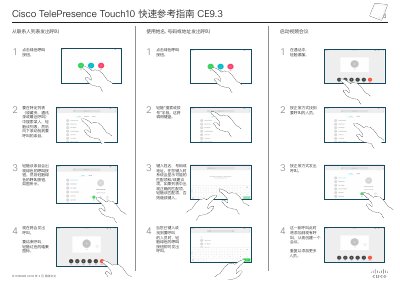
The document serves as a quick reference guide for the Cisco TelePresence Touch10 device. It outlines procedures for making calls using names, numbers, or addresses from various lists such as favorites, contacts, and recent calls.
It also details how to start video conferences, share content locally or with remote attendees, stop sharing, preview content, and transfer active calls while keeping the original caller on hold. This manual is written in Chinese.
To place a call, touch the green Call button after entering a name or number.
Touch the Share In-Call button while on a call to begin sharing content.