
The Cisco TelePresence SX20 Quick Set data sheet details specifications, features, and requirements for turning a flat‑panel display into a telepresence system.
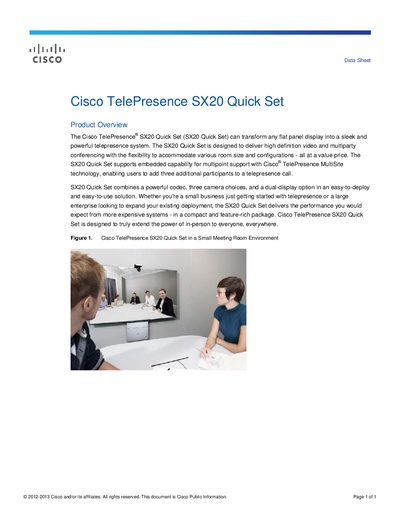
The Cisco TelePresence SX20 Quick Set transforms any flat‑panel display into a high‑definition telepresence solution, supporting up to 1080p60 video and multipoint conferencing for small to large meeting rooms. It combines a codec, optional Precision HD cameras, and a dual‑display option in a compact, easy‑to‑deploy package.
Key capabilities include H.323/SIP video at up to 6 Mbps, built‑in multipoint support for three additional participants, a range of video input/output formats, CD‑quality audio, and flexible network and power options. Optional accessories such as Touch 8 controllers and wall‑mount kits expand functionality.
| Maximum video resolution | 1080p60 |
|---|---|
| Maximum video bandwidth | 6 Mbps |
| Power supply | 100‑240 VAC, 50/60 Hz, up to 40 W |
| Dimensions (W × H × D) | 11.8 in × 1.4 in × 7.1 in |
| Audio quality | CD‑quality 20 kHz mono |
The built‑in multipoint engine can add three additional participants, allowing up to four sites in a conference.
It uses an auto‑sensing power supply that accepts 100‑240 VAC, 50/60 Hz and draws a maximum of 40 watts.
Optional Precision HD cameras are offered with 2.5×, 4×, or 12× optical zoom.