
The Cisco TelePresence SX10 and SX20 user manual provides instructions for video calls, contact management, camera control, and system settings.
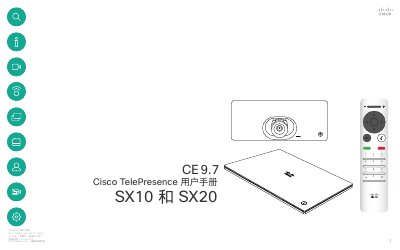
This user manual covers all functions of the Cisco TelePresence SX10 and SX20 video‑conferencing systems, including making and receiving video calls, managing contacts, sharing content, and controlling cameras. It also explains optional features such as Intelligent Proximity and how to adjust call rates and system settings.
The guide includes detailed descriptions of the remote control layout, touchscreen navigation, and system information such as IP address, MAC address, and software version. It provides step‑by‑step instructions for common tasks and notes on optional features that may not be present on every system. This manual is written in Chinese.
| Call rate unit | kbps |
|---|---|
| System information includes | IP address, MAC address, SIP proxy, software version, device name |
Select the call button on the remote, navigate to the desired contact in the list, and press the green call button to start the video call.
Press the camera control icon; it turns red to indicate video is off, and pressing it again re‑activates the camera.